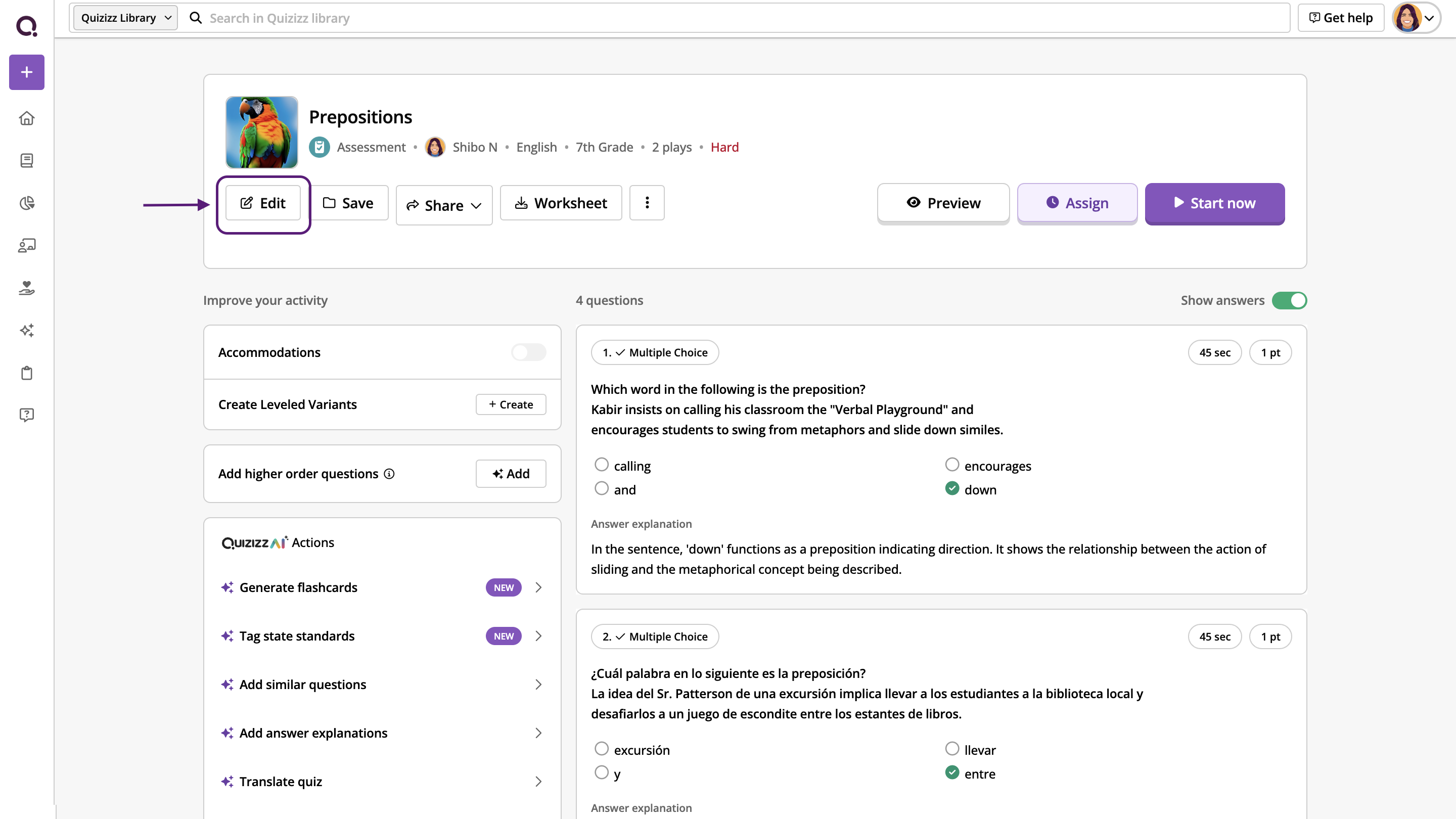
To change the order of questions/flashcards in your resource (Assessment/Quiz, Passage, Interactive Videos, and Flashcards set), click on the 'Edit' button under the resource's name.
Then, look for the dotted icon ( ) next to a question or a flashcard. Long-press the icon, drag and drop it to the desired position.
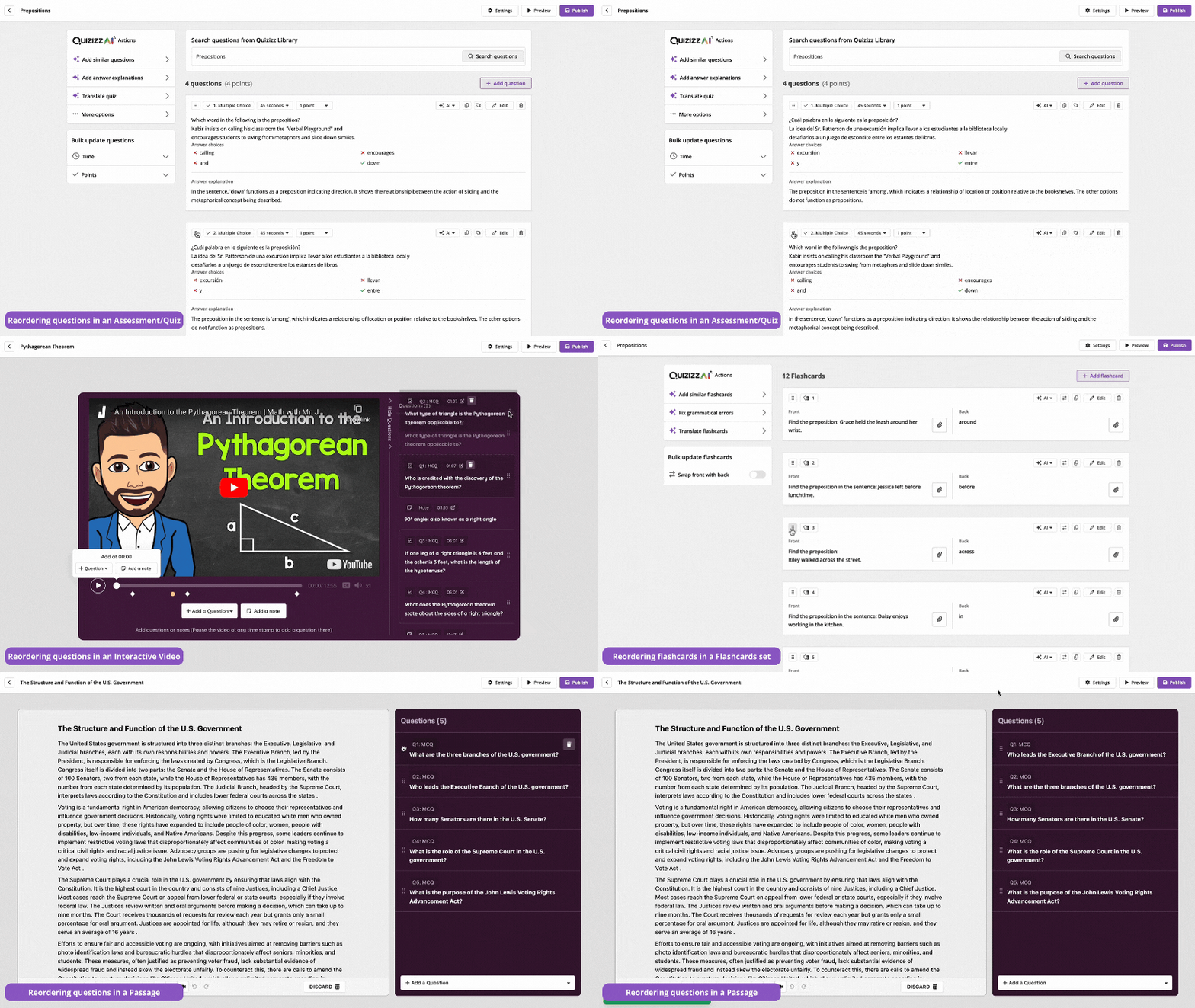
Once you have finished reordering your questions/flashcards, click on 'Publish.'
Was this article helpful?
That’s Great!
Thank you for your feedback
Sorry! We couldn't be helpful
Thank you for your feedback
Feedback sent
We appreciate your effort and will try to fix the article