For Students
Participating in a Wayground session on Toddle is super easy! With the Wayground LTI integration with Toddle, students can join the fun directly from their home page, without needing to log in again.
Follow these steps:
- 1. Log into your Toddle account
- 2. You can find the new assignment on the right side of your home page or go to your class to locate it there
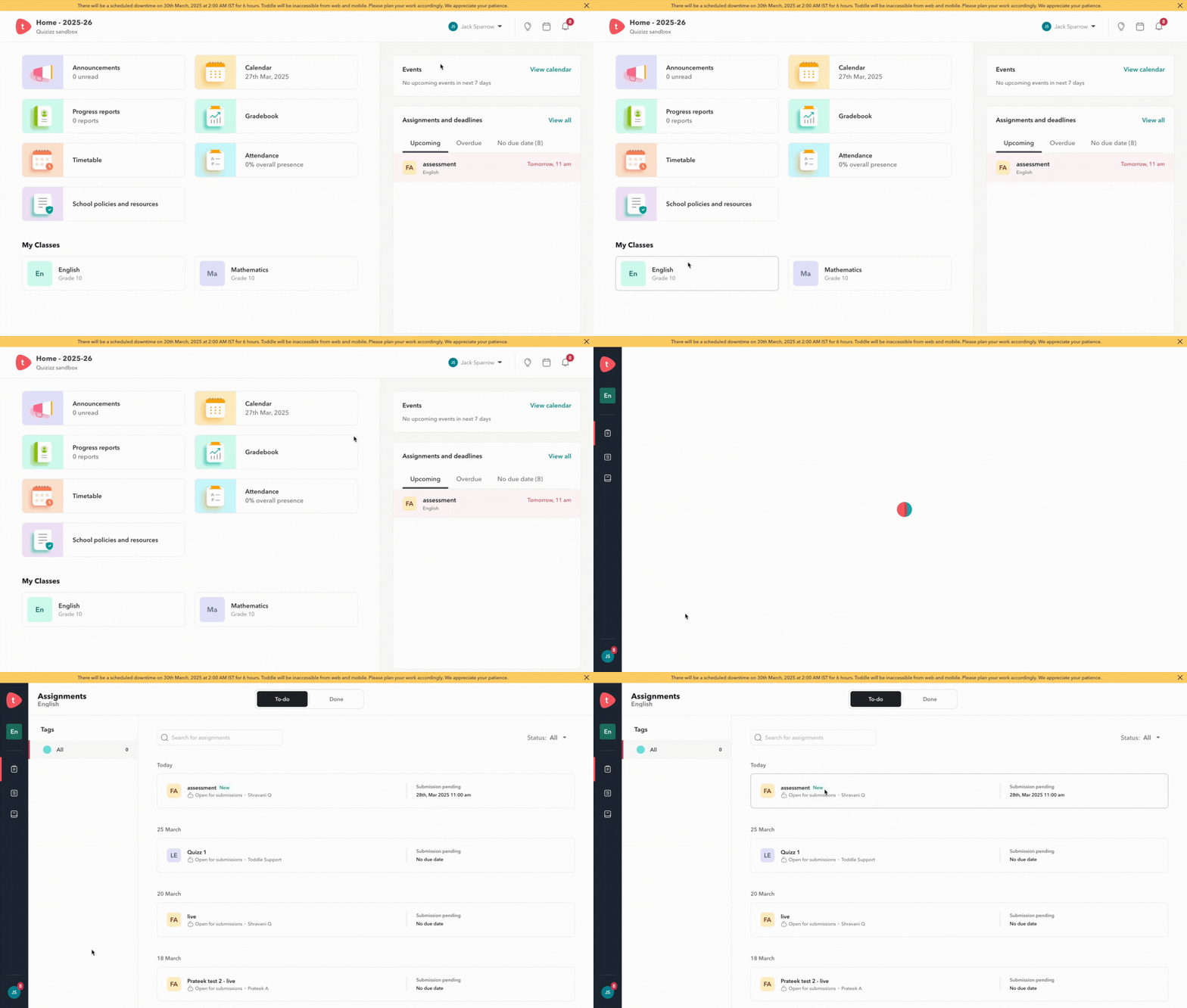
- 3. Click on the Wayground assignment that your teacher has assigned
- 4. One the assignment page opens, scroll down and find the name of the assignment with 'Wayground'. You will find it below the Response text field
- 5. Click on the '+ Add response' button
- 1. The Wayground session will open in a new window
- 2. You will be automatically signed into Wayground — no need for additional logins!
- 6. Follow the on-screen instructions to start the session
Note: If your teacher assigned a Common Assessment, you wait in the lobby after you open it. Your teacher lets you in when it's time to start. Some Common Assessments use LockDown Browser. If yours does, you'll see a message with the steps to open it. To learn more, refer to How to Join & Take a Common Assessment. - 7. Answer the questions to the best of your ability
- 8. After completing the session, submit your answers
Was this article helpful?
That’s Great!
Thank you for your feedback
Sorry! We couldn't be helpful
Thank you for your feedback
Feedback sent
We appreciate your effort and will try to fix the article